Clash and scrim teams
Share early plans, vision, and objective priorities right after draft.
Strategy board
A practical guide to planning and sharing LoL strategies on the tactical map. Turn drafted compositions into early routes, vision plans, and objective decisions so your team can align before practice starts.
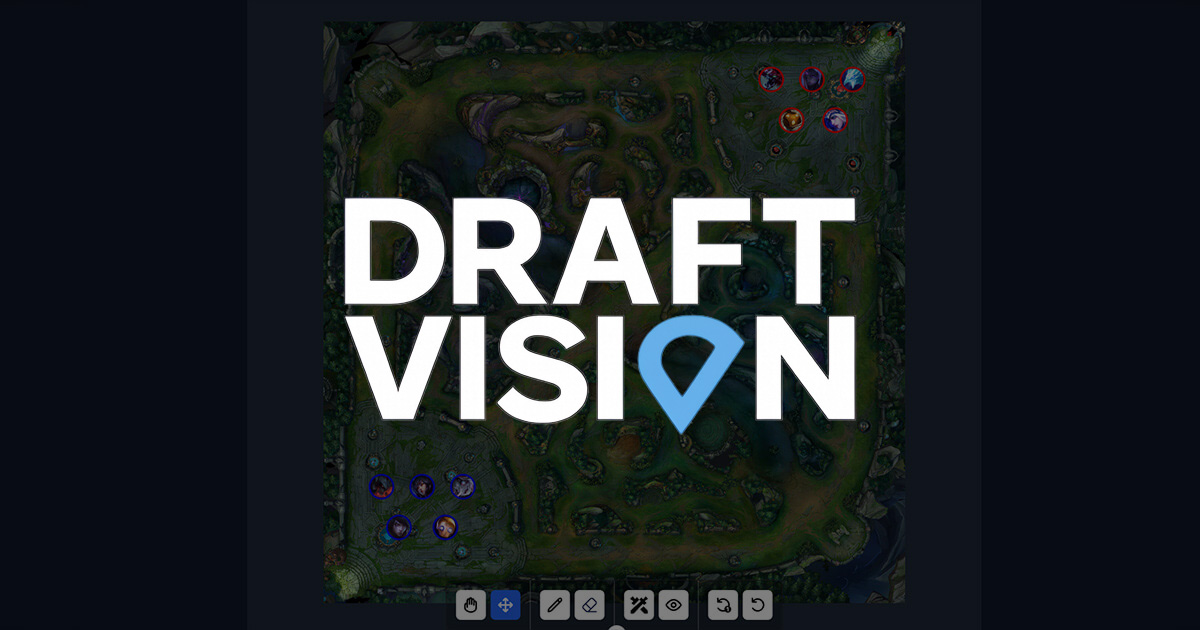
Share early plans, vision, and objective priorities right after draft.
Compare the pre-game plan with what happened and explain the next adjustment.
Explain composition goals and objective setups visually.
Start by placing both teams' champions so lane priority, jungle pressure, and strong-side plans are visible.
Use drawing tools and icons to mark level-one movement, gank paths, and objective setup positions.
For pre-scrim sharing, keep the must-follow movements and remove optional clutter so the plan is easy to read.
Summarize early movement, vision, and first-objective priority in one view before the game starts.
Show where the composition is strong and when the team should group or trade sides of the map.
Keep routes and ward positions concrete, then compare the plan against what happened in game.
Objective setup
Place bot river entrance vision by 1:30, path jungle toward bot 30 seconds before dragon, and mark how mid and support enter river together.
Invade route
For a strong level-one comp, draw the three-player entrance route and the fallback path if the invade fails.
Lane swap planning
Mark swap timing, first turret defense, and Herald setup positions so everyone knows the movement order.
Use the map as a shared board between drafting and practice.
A simple creation order keeps the plan readable.
The map works best when connected to draft and priority work.
| Feature | DraftVision | Generic image notes |
|---|---|---|
| Champion placement | Built around draft context | Often manual image work |
| Vision and routes | Lines and icons on one board | Often text-heavy |
| Tool integration | Connected to Draft and Tier List | Often isolated |
| Pre-scrim sharing | One readable plan | Inconsistent detail level |
Decide comp and roles in draft first, then use the map to agree on early routes and objective priorities.
Keep it focused: early plan, vision, and how to group. Avoid cramming everything into one image.
Right after draft or before scrims works best. Rebuilding one after the game is useful for review.
Start with level one, the first gank option, and the first dragon or Herald setup position.
Split it by purpose. Make separate maps for early movement, vision, and objective setup.